Can I Get Fibre Internet Anywhere in Panama?
One of the first things you dream about when you're planning your move to Panama, or even just arriving, is having reliable, speedy internet. You picture yourself on the beach, laptop open, getting work done with fibre-optic magic flowing effortlessly. While Panama has made incredible strides in connectivity, the reality is a bit more nuanced than universal fibre. This guide will help you understand where fibre is available, what your options are, and how to get connected.
The Fibre Dream Versus Panama's Reality
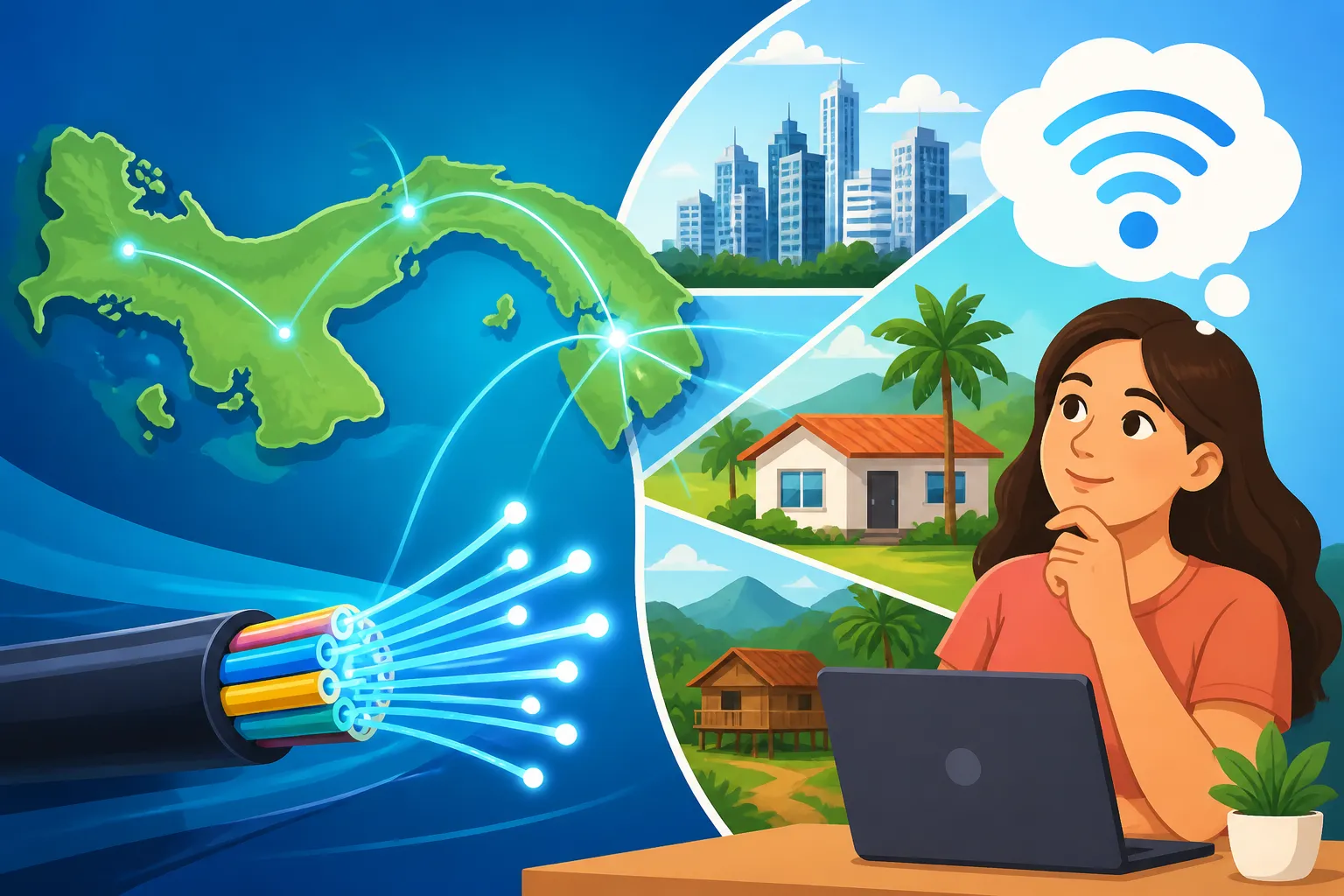
Let's be honest, we all want that lightning-fast, buffer-free internet, especially when moving to a new country and relying on online communication for everything from staying in touch with family to getting important documents processed. In Panama, the dream of universal fibre-optic internet is definitely becoming a reality in many places, but it's not quite everywhere yet. You'll find a patchwork of connectivity, with major cities and newer developments boasting top-tier speeds, while more remote or older areas might still be catching up.
Where Fibre Shines: Urban Hubs and Developments
If you're settling in Panama City, especially in areas like Costa del Este, San Francisco, El Cangrejo, or newer developments in the surrounding metropolitan areas, you're in luck. These are the places where fibre-optic infrastructure has been a priority. Developers often install fibre from the get-go, understanding that high-speed internet is no longer a luxury but a necessity for residents and businesses alike. You'll often find buildings pre-wired for fibre, making installation relatively straightforward, sometimes even plug-and-play if the previous tenant had it.
Beyond the capital, major provincial cities like David in Chiriquí, Santiago in Veraguas, and parts of Coronado or Gorgona along the Pacific Coast are also seeing significant expansion of fibre networks. These areas are growing rapidly, attracting both local and international investment, and with that comes improved infrastructure, including faster internet. It's a great sign of progress, meaning more expats can enjoy reliable connectivity even outside the immediate hustle and bustle of Panama City. When you're looking for a place to rent, don't just ask about the number of bedrooms; always inquire about the internet options! This is where a good real estate agent, who understands local infrastructure, can be invaluable. You can also research areas that align with "The Best Places to Live in Panama for Expats: A Complete Guide (2026)".
The Rural Reality: Beyond the Fibre Network
Now, for a dose of reality: venturing out into Panama's stunning rural landscapes, especially in provinces like Bocas del Toro (outside the main Bocas Town), Darién, or even remote parts of Chiriquí, you're less likely to find readily available fibre internet. This isn't unique to Panama; deploying fibre infrastructure to sparsely populated or geographically challenging areas is expensive and time-consuming everywhere. In these regions, you'll typically encounter older technologies like ADSL (over phone lines), fixed wireless internet, or satellite internet.
While these alternatives can provide decent service for basic browsing and email, they often come with limitations: slower speeds, higher latency (especially with satellite), and sometimes data caps. If you're a digital nomad or rely heavily on stable, high-speed internet for work, this is a critical consideration when choosing where to live. Many expats embrace the slower pace of life in rural Panama, but they also learn to manage their internet expectations. For those moments when you absolutely need a quick, reliable connection while out and about or traveling between locations, services like Airalo can be a lifesaver, providing eSIM data plans to keep you connected without hunting for Wi-Fi. It’s all part of understanding "How to Choose a Mobile and Internet Provider in Panama" when your primary connection might not be fibre.
Major Fibre Internet Providers and Their Reach
Understanding who the key players are in Panama's internet market is your first step to securing a connection. Just like anywhere else, there are a few dominant providers, each with their own strengths, coverage areas, and customer service quirks.
The Big Players: +Móvil, Tigo, and Liberty
In Panama, the internet service provider (ISP) landscape is primarily dominated by three major companies:
- +Móvil (formerly Cable & Wireless Panama): This is often considered the largest and oldest telecommunications company in Panama. They offer a broad range of services, including mobile, fixed-line, and, crucially, fibre optic internet in many urban and semi-urban areas. Their fibre network is extensive in Panama City and expanding into other key cities. You’ll find their packages generally competitive, and they often have promotions bundling internet with TV and phone services.
- Tigo (formerly Cable Onda): Tigo is another powerhouse, having acquired Cable Onda a few years back. They have invested heavily in fibre-optic infrastructure, particularly in residential areas and commercial zones. Tigo is known for offering robust internet speeds and good customer service in many parts of Panama City and other major urban centers. Their residential packages are popular among expats looking for reliable, high-speed connections.
- Liberty (formerly C&W business operations, now also including some residential from CWP): Liberty Latin America has a significant presence, especially in the business sector, but they also offer residential services. Their fibre-optic offerings are strong in key business districts and upscale residential areas where high-demand connectivity is crucial. While perhaps not as ubiquitous in every corner as +Móvil or Tigo for residential, they are a strong contender if you're in an area they service.
Each of these providers constantly updates their infrastructure, so coverage can change rapidly. What wasn't available last year might be lighting up your neighborhood this year. It's a dynamic market, driven by consumer demand and a push for modernization. Remember to look into "The Expat Guide to Setting Up Utilities (Electricity, Water, Internet) in Panama" for a broader view.
Checking Fibre Availability in Your Specific Area
This is perhaps the most critical step, and where many expats can get frustrated. Panama operates on a very localized basis when it comes to utilities. Just because your friend across town has fibre doesn't mean it's available on your street. You absolutely need to check the specific address of your intended residence.
Here’s how you can do it:
- Directly on Provider Websites: All major ISPs (+Móvil, Tigo, Liberty) have online tools on their websites where you can input your exact address (or the address of the property you're considering) to check for service availability. This is often the quickest first check.
- Call Customer Service: If the website is unclear or you want to confirm, call their customer service lines. Be prepared for a potential language barrier if your Spanish isn't strong, but many agents in major city centers will speak some English. Having the exact address ready (including building name, apartment number, and street) is crucial.
- Ask Your Landlord or Real Estate Agent: If you're renting, your landlord or real estate agent should know what internet services are available at the property. They often have established relationships with providers or can tell you what previous tenants used. This is often the easiest and most reliable way to get this information before you even sign a lease.
- Visit a Local Office: Sometimes, a face-to-face visit to a provider's service center (which you can find in shopping malls across major cities) can yield the most accurate and up-to-date information. Bring a copy of the utility bill or rental contract with the address for verification.
Don't assume. Never assume. Always verify. It will save you a lot of headaches later on. Knowing the exact options for internet is as important as understanding "How Much Does It Cost to Rent an Apartment in Panama City in 2026?" as part of your overall living expenses.
Alternatives When Fibre Isn't an Option
What if you've found your dream home, but fibre hasn't quite reached it yet? Don't despair, you still have options to stay connected in Panama.
- DSL (ADSL): Offered by +Móvil, this uses traditional copper phone lines. Speeds are significantly lower than fibre (often topping out at 10-20 Mbps, sometimes less), but it's widely available in many areas where fibre hasn't penetrated. It's suitable for basic browsing, email, and light streaming, but not ideal for heavy online gaming, large file transfers, or multiple users streaming simultaneously.
- Fixed Wireless Internet (WISP): Some smaller, local providers offer internet via wireless antennas. These can be a good option in semi-rural areas where phone lines are unreliable, but fibre isn't present. Speeds can vary greatly depending on line-of-sight to the tower, distance, and provider quality. Research local WISPs in your specific area if you find yourself in this situation.
- Satellite Internet: For truly remote locations, satellite internet is often the only option. Companies like HughesNet offer services in Panama. The downside is typically higher costs, slower speeds compared to fibre, and noticeable latency (delay), which can affect real-time applications like video calls or online gaming. It’s better for general web browsing and email.
- Mobile Data (4G/5G): This is a surprisingly robust option for many expats, especially as a backup or primary internet source if your usage isn't extremely high. Panama has excellent 4G and growing 5G coverage from providers like +Móvil, Tigo, and Digicel. You can get generous data plans and use your phone as a hotspot or invest in a dedicated mobile hotspot device (MiFi). Speeds can be very good, sometimes even rivaling basic DSL. For short-term needs or while you're setting up your main internet, grabbing a local SIM card with a data plan is a smart move. This is also where an eSIM solution like Airalo can really shine, giving you immediate connectivity upon arrival without having to hunt for a physical SIM. It's an excellent way to bridge the gap during your initial "How Do I Move to Panama?" period.
| Internet Type | Typical Speeds (Download) | Availability | Pros | Cons | Ideal Use Case |
|---|---|---|---|---|---|
| Fibre Optic | 100 Mbps – 1 Gbps+ | Major cities, new developments, growing | Extremely fast, low latency, reliable | Limited in rural/older areas, installation can be complex in older buildings | High-demand users, remote work, streaming, gaming, smart homes |
| DSL | Up to 20 Mbps | Widespread in older urban/semi-rural areas | More affordable, generally stable | Slower speeds, can be affected by line quality | Basic browsing, email, light streaming |
| Fixed Wireless | 20 Mbps – 100 Mbps (variable) | Semi-rural, specific neighborhoods | Can be faster than DSL where available | Requires line-of-sight, performance varies, dependent on local provider | Medium usage where fibre/DSL is poor, specific local needs |
| Satellite | 10 Mbps – 50 Mbps (variable) | Extremely remote areas | Connects anywhere with satellite view | High latency, can be expensive, data caps often apply, weather-dependent | Very remote locations, essential communication |
| Mobile Data (4G/5G) | 30 Mbps – 150 Mbps+ (variable) | Good urban/semi-urban coverage, expanding 5G | Portable, quick setup, flexible plans | Data caps on cheaper plans, can be less stable than fixed lines, drain phone battery if hotspot | Backup, temporary solution, light-to-medium mobile usage, travel connectivity |
Navigating Installation and Service for Expats
Getting your internet set up in a new country can feel like a mini-adventure, and Panama is no exception. There are forms, waits, and often a need for patience and a good attitude. But knowing what to expect can definitely smooth out the process.
The Application and Installation Process
Once you’ve identified your preferred provider and confirmed fibre availability, the next step is application and installation.
- Gather Documents: You'll typically need your Cedula (Panamanian ID card, once you have your residency) or your passport and proof of residence (like a utility bill in your name or your rental contract). Some providers might require a local bank account for automatic payments, which is a good reason to establish banking relationships early on, as detailed in "The Expat Guide to Opening a Bank Account in Panama".
- Choose a Plan: Providers offer various speed tiers and packages. Consider your usage habits: Are you a single person who just streams Netflix and browses? Or do you work from home, have multiple devices connected, and rely on constant video calls? Higher speeds naturally come with higher costs, but they might be essential for your peace of mind and productivity.
- Schedule Installation: This is where patience often comes in. Installation appointments can sometimes be scheduled within a few days, but occasionally, it can take a week or more, especially if new wiring is needed for fibre. Technicians will come to your home to run the fibre line (if not already present), install the optical network terminal (ONT) and Wi-Fi router.
- Language Barrier: While some customer service reps might speak English, the installation technicians often communicate primarily in Spanish. If your Spanish isn't strong, it’s a good idea to have a Spanish-speaking friend, neighbor, or your real estate agent present to assist with communication during the installation. They can help ensure the router is placed optimally and answer any technical questions.
Understanding Speeds, Packages, and Costs
Internet costs in Panama are generally reasonable, especially for the speeds offered in urban areas. Fibre optic packages for residential users typically start around $30-$40 USD per month for basic speeds (e.g., 50-100 Mbps) and can go up to $80-$100+ for gigabit speeds. Bundled packages (internet, TV, phone) can offer better value if you need those additional services.
It's important to differentiate between advertised speeds and actual speeds. While providers strive to deliver what they promise, real-world performance can be affected by factors like the number of devices connected, your router's quality, and even the time of day. Always do a speed test after installation to ensure you're getting close to what you signed up for.
- Contract Lengths: Most providers offer 12 or 24-month contracts. Be aware of early termination fees if you think your stay in Panama might be shorter or uncertain.
- Equipment: The Wi-Fi router is usually provided by the ISP, often included in the monthly fee or with a small one-time charge. If you have specific needs for a powerful router (e.g., for a large home or extensive smart home setup), you might want to consider purchasing your own and asking the technician to configure the ONT to work with it.
Tips for Troubleshooting and Customer Service
Let's be realistic: technical issues can arise anywhere in the world. When they do in Panama, here are a few things to keep in mind:
- Patience is Key: Things might not move as quickly as you're used to in other countries. Be patient, polite, and persistent.
- Documentation: Keep records of your account number, contract details, and any previous interaction dates or reference numbers for customer service calls.
- Learn Basic Spanish Tech Terms: Knowing terms like internet no funciona, lento, router, conexión, and velocidad can be incredibly helpful when calling for support.
- Troubleshoot Yourself First: A simple restart of your router can solve an astonishing number of internet issues. Unplug it, wait 30 seconds, and plug it back in.
- WhatsApp Support: Many companies in Panama, including ISPs, offer customer support via WhatsApp. This can be a great way to communicate if you prefer typing over speaking Spanish, and it provides a written record of your interactions.
- Community Forums: Expat groups on social media (Facebook, Reddit) are often a goldmine of local knowledge. Someone else has likely faced the same internet problem you have and can offer advice or recommend a good technician.
For broader utility setup advice, consult "How Do I Set Up Internet in My Panama Home?". And remember, if you're managing a big move, services like Sirelo can simplify the logistical nightmares, leaving you more mental bandwidth to tackle things like internet installation.
Planning Your Internet Strategy When Moving to Panama
Your internet strategy really starts before you even land. Think about what you need for those crucial first days and weeks. Will you be relying on mobile data, or do you need a more robust solution from day one? If you plan to work remotely, a stable internet connection isn't just a convenience, it's a necessity. This also ties into your overall "How Much Does It Cost to Set Up a Home in Panama?" budget.
Consider these steps as part of your overall plan:
- Pre-Arrival Research: As soon as you know your general target area in Panama, start checking provider websites for service availability. If you're working with a real estate agent, empower them to find out about internet options for any property they show you.
- Initial Connectivity: For immediate connectivity upon arrival, consider an international roaming plan from your home country, or better yet, grab an eSIM from a provider like Airalo that works in Panama. This ensures you can use maps, communicate, and look up information without scrambling for a local SIM or Wi-Fi.
- Local SIM Card: Once settled, get a local Panamanian SIM card. These are cheap, and data packages are generally affordable. This can serve as a primary internet source for a while or a reliable backup.
- Fixed Line Installation: Schedule your fibre or DSL installation as soon as you have a confirmed address and the necessary documents. Be prepared for potential delays and have your mobile data plan ready to bridge the gap.
- Backup Plan: Even with fibre, occasional outages can occur. Always have a backup plan, whether it's a strong mobile data package, a nearby café with Wi-Fi, or even a co-working space if your work absolutely cannot be interrupted.
By taking a proactive approach, you can minimize internet-related stress and get straight to enjoying your new life in Panama.
Disclaimer
The information provided in this guide is for general informational purposes only and does not constitute professional advice. While we strive to keep the information up-to-date and accurate, telecommunications policies, pricing, and infrastructure can change rapidly in Panama. We recommend verifying all details with the relevant service providers or a local expert before making any decisions. We are not responsible for any inaccuracies or omissions, or for any actions taken based on the information provided herein.