How Do I Set Up Automatic Bill Payments at a Panamanian Bank?
One of the most common headaches for expats settling into Panama is the sheer mental gymnastics required to keep track of all those monthly bills. From electricity to internet, rent, and credit cards, the due dates can creep up on you, leading to late fees, service interruptions, and unnecessary stress. This comprehensive guide will walk you through the ins and outs of setting up automatic bill payments at Panamanian banks, helping you streamline your finances and enjoy more of your new life here.
The Why and What of Automatic Payments in Panama
Let's face it, living abroad, especially in a vibrant place like Panama, comes with a fair share of new administrative hurdles. One minute you're marveling at the rainforest, the next you're trying to figure out how to pay your water bill before the cut-off. Automatic bill payments, or pagos automáticos as they're known locally, are an absolute lifesaver for simplifying your financial life here.
Why Manual Payments Can Be a Nightmare for Expats
Imagine this scenario: it's the 15th of the month, and suddenly you remember your electricity bill for Naturgy (the main electricity provider) is due today. You scramble, log into your banking app, only to find the specific biller code or convenio isn't immediately obvious, or worse, the system is undergoing maintenance. Then there's the water bill from IDAAN, the internet from Tigo or Más Móvil, your monthly HOA fees, and perhaps a credit card statement. Juggling these manually every month, especially if you're not fully fluent in Spanish or just trying to navigate a new online banking interface, can be incredibly time-consuming and prone to error. Many expats have tales of accidentally missing a payment, leading to small surcharges or, in unfortunate cases, a temporary service disconnection. It's not just about the money; it's about the peace of mind. Knowing your essential services are paid on time, every time, frees up valuable mental space and lets you focus on enjoying Panama. This is particularly true if you travel frequently or have a busy schedule.
Common Bills You Can Automate
The good news is that most recurring expenses in Panama can be set up for automatic payment directly through your local bank. This includes:
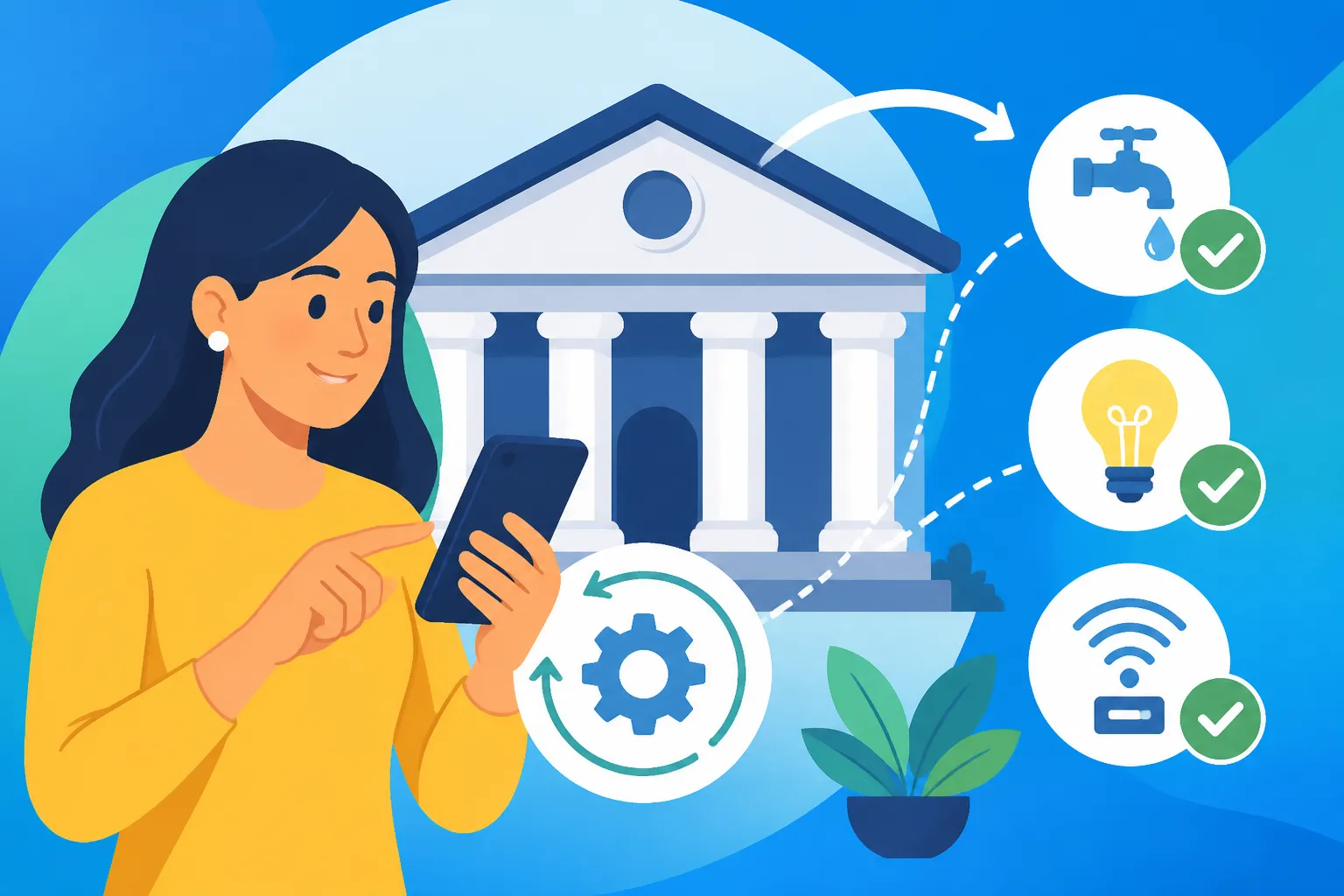
- Utility Bills: Your electricity bill (from Naturgy or ENSA, depending on your region), water bill (IDAAN), and gas (if you have piped gas or a specific monthly cylinder service). These are typically linked to your account number or número de contrato.
- Telecommunications: Your internet, cable TV, and mobile phone bills from providers like Tigo, Más Móvil, Cable Onda, or Liberty (formerly Cable & Wireless). You'll usually link these via your client ID or phone number.
- Rent/Mortgage: If you have a standing rental agreement or a mortgage with a Panamanian bank, you can often arrange an automatic transfer or direct debit to ensure your payments are always on schedule. This is a huge relief, especially for rental payments where punctuality is paramount.
- Credit Cards: Any local Panamanian credit cards can usually have their minimum or full payment automatically debited from your checking or savings account. This helps you avoid late fees and maintain a good credit history here.
- HOA/PH Fees: If you live in a condominium or gated community, your monthly homeowner association (HOA) fees, known as cuotas de PH (Propiedad Horizontal), can usually be automated. This often requires providing your building's número de convenio and your apartment number.
- Loan Payments: Personal loans, car loans, or other financing from Panamanian institutions can also be set up for automatic deductions.
Understanding the specific methods and requirements for these different types of bills is crucial, as each company might have a slightly different process for linking their service to your bank.
Step-by-Step Guide to Setting Up Bill Payments at a Panamanian Bank
Now, let's get down to the nitty-gritty. Setting up automatic payments isn't overly complicated, but it does require attention to detail and, often, a visit to your bank or a good session with your online banking platform.
Essential Documents and Information You'll Need
Before you even think about going to the bank or logging in, gather your information. Being prepared will save you immense frustration and multiple trips or calls.
- Your Panamanian Bank Account Details: This includes your checking or savings account number where the funds will be debited.
- Cedula (or Passport/Residency Card): Your official identification document used to open your bank account.
- A Recent Bill from Each Service: This is critical. Each bill will contain vital information:
- Client Number / Account Number (Número de Cliente/Contrato): This is the unique identifier for your service with the utility company (e.g., your Naturgy account number, your IDAAN water meter number).
- Biller Code / Service Code (Número de Convenio or Código de Biller): Many Panamanian banks have pre-registered billing partners. To find your specific biller within the bank's system, you often need a specific número de convenio or a unique code that identifies the service provider. This is usually printed on the bill. If it's not, you might need to call the utility company or ask at your bank.
- Payment Due Date (Fecha de Vencimiento): Knowing this helps you set up the payment to occur a few days before, ensuring it always clears on time.
- Contact Information: Keep phone numbers for your bank and each utility provider handy, just in case you run into issues.
For example, when setting up your internet bill with Tigo, you'll need the client number displayed on your Tigo invoice. For your electricity with ENSA, it's the Número de Cliente found on the top right of the bill. Don't underestimate the importance of having these physical bills with you, as the customer service representative or the online portal will almost certainly ask for this specific information.
The Process: In-Person vs. Online Banking
Panamanian banks generally offer two main ways to set up automatic payments: in person at a branch or through their online banking platform. Most expats find a combination of both is often the smoothest path.
In-Person at a Bank Branch
If you're new to the system, have complex needs, or prefer personal interaction, a visit to a branch of your bank, such as Banco General or Banistmo, is a good starting point.
- Visit Your Branch: Head to your usual bank branch. Try to go during off-peak hours (mid-morning or early afternoon) to avoid long waits.
- Speak to a Customer Service Representative: Inform them you want to set up pagos automáticos. Be prepared to show your Cedula or residency card.
- Provide Bill Details: Hand over your physical bills for each service you want to automate. The representative will input the client numbers, números de convenio, and verify the service provider.
- Specify Payment Amount or Type: You'll usually have the option to pay the full outstanding balance (saldo total) or a minimum amount (if applicable, like for credit cards). For utilities, you typically set it to pay the full amount due.
- Authorize the Payment: You might need to sign a form for each automatic payment authorization. Ensure you understand what you're signing – confirm the biller, the account being debited, and the payment frequency (usually monthly).
- Confirmation: Ask for a printed confirmation or ensure the representative tells you when the first payment will be debited and how you can verify it. It's also wise to inquire about any fees associated with this service (though they are often free for basic bill payments).
Through Online Banking
For those comfortable with digital platforms, online banking is incredibly convenient. Panamanian banks have invested heavily in their online portals, and they are generally quite user-friendly.
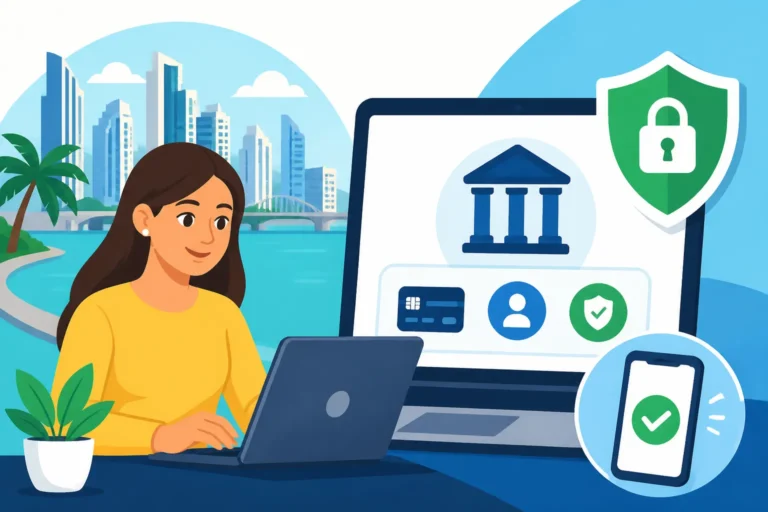
- Log In to Your Online Banking Account: Access your bank's website or mobile app (e.g., Banco General's Banca en Línea or Banistmo's online platform). If you haven't set up online banking yet, you'll need to do that first. You can find detailed guides on how to set up online banking with a Panamanian bank.
- Navigate to Payments Section: Look for a section labeled "Pagos," "Servicios," or "Pago de Facturas."
- Add a New Service/Biller: You'll typically find an option to "Agregar Biller" or "Registrar Servicio."
- Select the Service Provider: From a drop-down list or search function, select your utility or service provider (e.g., Naturgy, IDAAN, Tigo).
- Enter Client/Account Number: Input the unique client or contract number from your physical bill. This is usually verified against the provider's database.
- Set Up Automatic Payment: Once the biller is added, you'll see an option for pago recurrente or débito automático. Select this.
- Choose Payment Details:
- Account to Debit: Select your Panamanian checking or savings account.
- Payment Frequency: Usually monthly.
- Payment Amount: Typically "Saldo Total" (full balance) for utilities, or you can specify a fixed amount or minimum for certain services.
- Payment Date: Choose a date a few days before the actual due date of the bill. This buffer ensures the payment is processed even if there's a slight delay.
- Confirm and Authorize: Review all the details carefully. You may need to enter a security code (from an authenticator app or SMS) to finalize the setup.
- Keep Records: Take a screenshot of the confirmation page or note down the reference number for your records.
Verifying and Managing Your Automatic Payments
Setting up is only half the battle; verifying and managing your automatic payments is just as important to ensure continued peace of mind.
- Initial Verification: After setting up, keep a close eye on your bank statements or online transaction history. The first month, especially, you should manually check that the payment was debited correctly and on time. You can also call the utility company a few days after the payment date to confirm they received it. Don't be shy about confirming; it's your money and your service!
- Monthly Checks: Make it a habit to quickly review your bank statement each month. This isn't just about ensuring payments are made; it's also about catching any discrepancies or unexpected charges from the utility companies. Sometimes, an adjustment or a one-time fee might appear, and it's good to be aware of it.
- Updating Information: If your account number with a utility company changes, or if you switch providers, you must update your automatic payment details with your bank. Failure to do so will result in missed payments. Similarly, if your bank account changes, you'll need to re-establish these payments.
- Canceling Payments: If you move, cancel a service, or simply want to change your payment method, you can cancel automatic payments through your online banking portal or by visiting your branch. Always confirm cancellation with both your bank and the service provider to avoid any confusion or accidental charges. Remember to cancel before the next scheduled payment date.
Here's a quick comparison of the pros and cons of setting up automatic bill payments in Panama:
| Feature | In-Person Setup | Online Banking Setup |
|---|---|---|
| Pros | Personal assistance, ideal for complex issues, direct questions answered, good for those less tech-savvy. | Convenient 24/7 access, faster once familiar, no travel time, easy to manage multiple payments. |
| Cons | Time-consuming (travel, wait times), potential language barrier, requires physical documents. | Requires internet access, initial learning curve, less direct help for unique issues, security concerns if not careful. |
| Documents Needed | Physical bills, Cedula/residency, bank account details. | Client/account numbers from bills, bank login details, security codes. |
| Ideal For | Newcomers, complex setups, first-time users, those who prefer direct contact. | Experienced users, frequent travelers, those with multiple automated bills, self-sufficient expats. |
Navigating Potential Hurdles and Best Practices
Even with the convenience of automatic payments, living in a foreign country always presents unique challenges. Being proactive and aware of potential pitfalls will ensure a smooth experience.
Language Barriers and Banking Terminology
Panama is a Spanish-speaking country, and while many bank employees, especially in Panama City or popular expat areas like Boquete, might speak some English, it's not guaranteed. Banking terminology can be tricky in any language, let alone one you're not fully proficient in.
- Learn Key Phrases: Familiarize yourself with terms like pago automático (automatic payment), débito directo (direct debit), número de cliente/contrato (client/contract number), número de convenio (biller code), saldo total (total balance), fecha de vencimiento (due date), and confirmación (confirmation).
- Bring a Translator (Human or Digital): If you're going to the bank, consider bringing a Spanish-speaking friend, or at least have a translation app ready on your phone. This can bridge communication gaps and ensure you fully understand the instructions and terms.
- Request English-Speaking Staff: Don't hesitate to politely ask if there's someone available who speaks English. Many larger branches or customer service lines have this option.
- Take Your Time: Don't feel rushed. Ask for clarification on anything you don't understand. It's better to take a few extra minutes at the bank than to face problems later. Remember, you can always ask "Can you explain that again, please?" (¿Podría explicar eso de nuevo, por favor?).
Monitoring and Adjusting Your Payments
Life changes, and so do your bills. Proactive monitoring and knowing how to adjust your automatic payments are crucial for financial health.
- Regular Review of Statements: As mentioned, checking your bank statements isn't just a recommendation; it's a necessity. This is your primary way of confirming that payments are being made correctly. Look for debit amounts that match your expected bill amounts. Discrepancies could indicate an error with the utility company or your bank.
- Changes in Bill Amounts: Utility bills, especially electricity and water, can fluctuate significantly depending on usage and seasonal changes. While automatic payments will typically cover the full amount, if you notice a sudden, unexplainable spike, it's time to investigate with the utility company directly. Don't just assume the system is perfect.
- Updating Account Details: If you move to a new apartment or house, your utility account numbers will change. You must remember to cancel the old automatic payments and set up new ones with your new account details. This is a common oversight that leads to service interruptions. The same applies if you change internet providers or switch to a new mobile plan.
- Temporary Pauses: In rare cases, you might need to temporarily pause an automatic payment (e.g., if you're disputing a charge directly with the service provider). Most online banking platforms allow you to suspend or cancel a specific recurring payment. Always follow up with a direct call or visit to confirm.
Funding Your Panamanian Account for Bills
For many expats, a significant portion of their income might still come from outside Panama. Ensuring your local account is sufficiently funded to cover all your automatic bill payments is paramount.
- Consistent Funding Strategy: Develop a reliable method for transferring funds from your international accounts to your Panamanian bank account. Missing a debit because of insufficient funds can lead to fees from both your bank and the biller, and potential service disconnections.
- International Money Transfers: Services like Wise (formerly TransferWise) are incredibly popular among expats for their competitive exchange rates and lower fees compared to traditional bank wire transfers. You can set up recurring transfers or make one-off transfers to ensure your Panamanian account always has a healthy balance to cover your monthly expenses. When you use a service like Wise, you can see the exact amount you'll receive in USD (Panama's official currency, alongside the Balboa), making it easier to budget.
- Buffer Funds: It's always a good idea to keep a buffer of at least one or two months' worth of essential bill payments in your Panamanian account. This provides a safety net against unexpected transfer delays or sudden increases in utility costs, preventing any awkward "insufficient funds" situations.
- Payroll Deductions: If you're employed in Panama and your salary is deposited into a local account, ensure your pay schedule aligns with your bill due dates. Most employers pay twice a month (quincenal) or monthly. Aligning your automatic payments with your paydays is a smart way to manage cash flow.
Setting up your financial life in a new country can feel like a maze, but by diligently automating your bill payments and actively managing your funds, you'll gain a significant amount of control and peace of mind. It’s a vital step in truly feeling settled and at home in Panama.
Disclaimer
Please note that banking procedures and specific requirements can change. While this guide aims to provide the most current and accurate information based on general practices in Panama, it is always advisable to confirm details directly with your chosen Panamanian bank and service providers. This information is for general guidance only and does not constitute financial or legal advice.